
Help improve cash flow by helping Xero auto-reminders run.
If unpaid invoices are first sent from ServiceM8 and later approved into Xero, Xero may still keep those invoices as unsent. When that happens, reminder follow-up and related invoice automation may not continue as intended.
Support healthier cash flow
Reduce manual chasing
Keep reminder follow-up moving
Built for one specific handoff problem
When ServiceM8 sends the first invoice, Xero may not always treat that invoice as sent after approval. Xero Auto-Sent is built to help close that gap.
Why reminders can stop even when they are enabled
The problem often appears to be a Xero reminder issue, but the real cause may be the invoice status inside Xero.
Customers are not being reminded automatically
Businesses often notice the reminder settings look right, but overdue follow-up still does not continue the way they expect.
The invoice may still be unsent in Xero
If Xero still sees the invoice as unsent, reminders and related invoice automations may not run as intended.
Overdue follow-up becomes slower and more manual
Without reminder automation, invoices can sit unpaid longer and staff can end up chasing the gap manually.
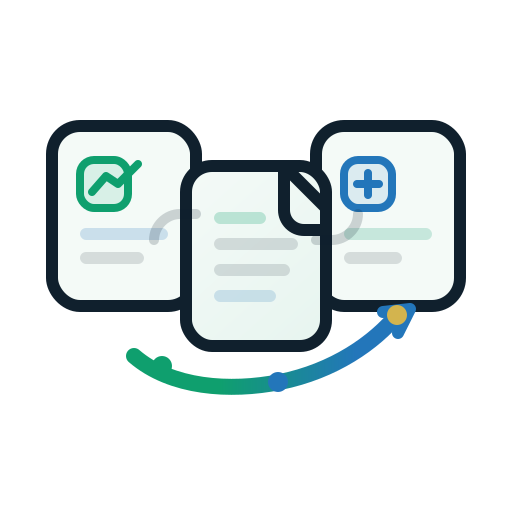
What happens in a ServiceM8-first invoice flow
- The first unpaid invoice is sent to the customer from ServiceM8.
- The invoice or job is approved into Xero.
- Xero may still keep the invoice as unsent.
- Reminder follow-up and related invoice automations may not continue properly.
Built for this exact ServiceM8 to Xero handoff
Xero Auto-Sent is designed for businesses that want to keep sending the initial invoice from ServiceM8 while still helping Xero reminder follow-up continue afterwards.
- Helps qualifying invoices be treated as sent in Xero.
- Helps reminders and related automations continue more reliably.
- Reduces the need to manually notice and patch the gap.
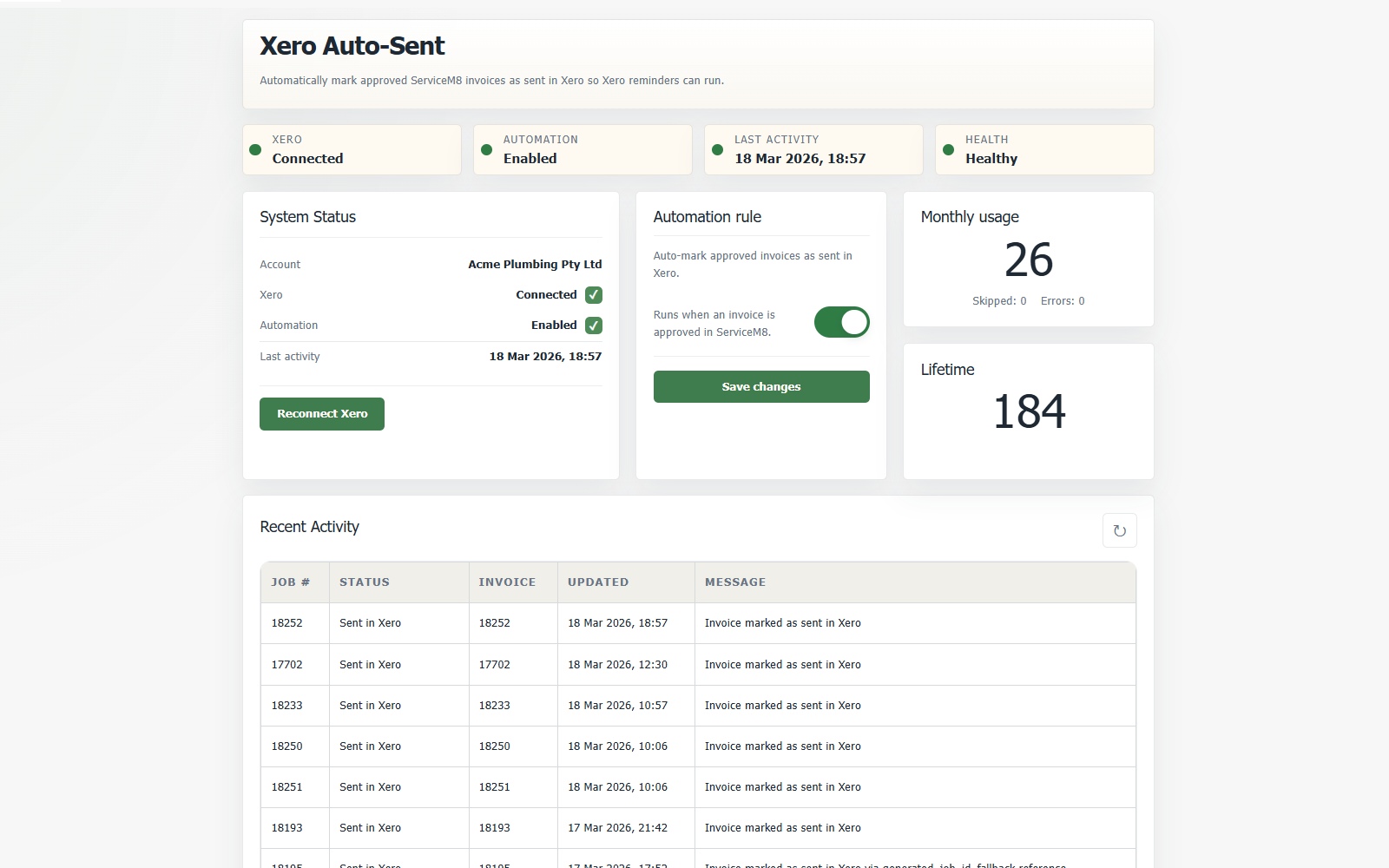
Product proof
See the workflow in the product dashboard.
Use the dashboard to check connection state, automation status, and recent activity so you can see whether invoices are moving through the expected flow.
Best fit
Xero Auto-Sent is strongest when the issue is tied to the way invoices move from ServiceM8 into Xero.
ServiceM8 sends first, Xero follows
If the first customer-facing send happens in ServiceM8 and Xero is used later in the invoicing workflow, this is the scenario Xero Auto-Sent is designed for.
You want reminder follow-up to keep moving
This add-on is for businesses that want to reduce missed follow-up and rely less on manual reminder chasing.
The invoice is already shown as sent in Xero
If the invoice is already clearly sent in Xero, your reminder issue may sit elsewhere in the broader Xero configuration.
The workflow does not start in ServiceM8
If ServiceM8 is not the first sender of the unpaid invoice, this specific sent-status gap may not be the reason reminders are not running.
Quick answers before you install
These are the most common questions visitors ask when they are deciding whether the workflow match is right.
Why are Xero auto-reminders not sending?
One common cause is that the invoice may still be unsent in Xero after being first sent from ServiceM8 and later approved into Xero.
What does Xero Auto-Sent actually do?
It helps qualifying invoices be treated as sent in Xero so reminder follow-up and related invoice automations are more likely to continue as intended.
Take the next step
See whether Xero Auto-Sent fits your ServiceM8 workflow.
Start with the help page for setup, use the reminder guide if the main symptom is reminders not sending, or contact support if you want help checking the workflow fit.
Support
[email protected]
For product questions, onboarding help, privacy requests, or help confirming whether the add-on fits your current ServiceM8 to Xero process.